Upgrading the OVOC Server using an ISO File
This procedure describes how to upgrade the OVOC server using an ISO file.
|
●
|
Before starting the installation, it is highly recommended to configure the SSH client (e.g. Putty application) to save the session output into a log file. |
|
●
|
Enable the required ICMP responses (if disabled) according to Network Options. |
|
➢
|
To upgrade using an ISO file: |
|
1.
|
Login into the OVOC server by SSH, as ‘acems’ user and enter password acems (or customer defined password). |
|
2.
|
Using WinSCP utility (see Transferring Files), copy the .ISO file that you received from AudioCodes from your PC to the OVOC server acems user home directory: /home/acems |
|
3.
|
Switch to 'root' user and provide root password (default password is root): |
su – root
|
4.
|
Specify the following commands: |
mount /home/acems/DVD3_OVOC_8.4.3500.iso /mnt
cd /mnt/EmsServerInstall
|
5.
|
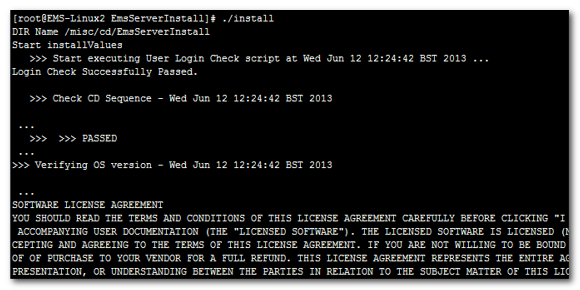
Run the installation script from its location: |
./install
OVOC server Upgrade
|
6.
|
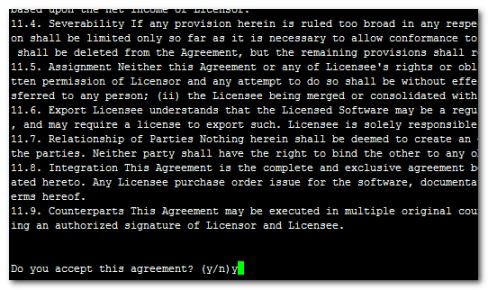
Enter y, and then press Enter to accept the License agreement. |
OVOC server Upgrade– License Agreement
|
7.
|
The upgrade process installs OS packages updates and patches. After the patch installation, reboot might be required: |
|
●
|
If you are prompted to reboot, press Enter to reboot the OVOC server, login as ‘acems’ user, enter password acems (or customer defined password) and then repeat steps 4-8 (inclusive). |
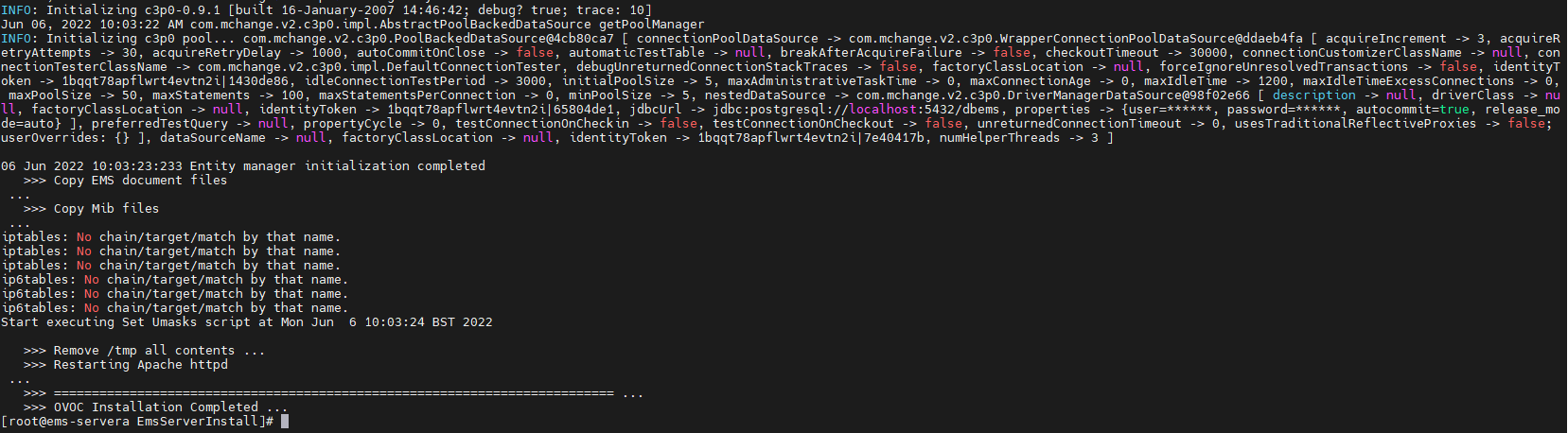
OVOC server Installation Complete
|
8.
|
Wait for the installation to complete and reboot the OVOC server by typing reboot. |
|
9.
|
When the OVOC server has successfully restarted, login into the OVOC server by SSH, as ‘acems’ user and enter password acems. |
|
10.
|
Switch to 'root' user and provide root password (default password is root): |
su - root
|
11.
|
Type the following command: |
# OvocServerManager
|
12.
|
Verify that all processes are up and running (Viewing Process Statuses), configuration and data has been restored, and verify that login to OVOC Web client is successful. |